Sci-Fi Labs · Field notes
Local AI + RAG: the Full Stack in 16 GB
A 27B model, an embedding model, Whisper, Postgres, a RAG server, an API, a worker, and a SvelteKit UI. All in 16 GB. Live numbers from the desk. Not the model card.
 GitHub · paulvisciano/knowledge-graph
This is the technical companion to the Knowledge Graph project page. That page says what it is. This page says what it costs: memory, swap, tokens per second, months of tuning. Every number here is live from the running system.
On this laptop: a 14-inch MacBook Pro, Apple M2 Pro. 10-core CPU, 16-core GPU, 16 GB unified memory. CPU and GPU share one pool. There is no separate VRAM. Every model eats from the same 16 GB as the OS, the browser, and the editor. 16 GB is the machine most people actually have.
The model stack
Every model is a file on disk. No API keys. No remote endpoints. No silent uploads. That is not a workaround. It is the design constraint.
Bonsai-27B is a 27B-parameter model with PrismML’s 1-bit quantization (Q1_0_g128). The 1-bit Metal kernels are not in stock llama.cpp. This project builds the PrismML-Eng fork from source. The Homebrew bottle will refuse the GGUF.
The same model serves chat and vision. Bonsai-27B is built on Qwen3.6-27B. The vision encoder ships as a separate mmproj file. The server runs with -np 2: two parallel slots, so chat and vision do not block each other. The project config caps VLM concurrency at 1 so one slot always stays free for chat. Both slots share the same 16 GB pool.
Embeddings: BGE-M3 on its own llama-server. Transcription: Whisper on whisper-server (Metal). Separate processes. Separate slots. No fighting for the same queue.
Architecture
Model servers stay on the host for direct Metal access. The service layer runs in Docker. They talk over host.docker.internal.
System architecture. Everything on one laptop, nothing in the cloud
llama-server :8081: BGE-M3 embeddings
whisper-server :8090: Whisper medium transcription
Postgres + pgvector: KV store, vector index (HNSW), doc status
KG API :8000: FastAPI image pipeline, chat, sync, settings
Worker: background image processing (EXIF → entities → VLM → graph)
LLM Worker: chat job queue, MCP tool calls
MCP Server :9653: Model Context Protocol bridge
Nexus UI :3000: SvelteKit + Three.js infinite canvas
LightRAG is the memory engine: entity-and-relation extraction, dual-level retrieval (local entity match + higher-level themes). KV, vectors, and document status live in Postgres with pgvector and an HNSW index. The graph stays in NetworkX, in-process, because a personal archive is small enough that an in-memory graph beats a network hop.
The KG API owns what LightRAG does not: image ingestion, chat (SSE + job queue), settings. A separate worker owns image processing so a long VLM batch never blocks the event loop. The queue is Postgres (SELECT FOR UPDATE SKIP LOCKED). The event bus is pg_notify. One database. One queue. One event stream.
The image pipeline
A photo does not go straight to the model. Cheap work first. Expensive work second. A batch of 50 photos should not monopolize the GPU for an hour.
Two-phase image processing. One photo, four stages, all local
Phase 1 is CPU-bound: ExifRead + offline reverse geocoding. High concurrency (up to 10). Never touches the LLM. Face recognition (DeepFace / MTCNN / ArcFace) exists in the codebase and is currently disabled. face_detection_enabled is false. On 16 GB that trade was not worth it. The code stays for a bigger machine.
Phase 2 is GPU-bound. Photos resize to max 768px (mmproj caps image tokens at 280). Bonsai returns a scene description. LightRAG ingests it as text. A dinner in Lisbon becomes nodes for the food, the restaurant, the city, tied to date and camera.
The split exists because of the 16 GB constraint. Phase 1 finishes in seconds. Phase 2 trickles through the single VLM slot overnight. The other LLM slot stays free for chat.
The chat and query path
You speak or type. Nexus streams to the KG API. The LLM worker calls Bonsai with chat context and streams back over SSE. If the question needs memory (“what did I do in Lisbon?”), LightRAG embeds with BGE-M3, retrieves top-k entity subgraphs from Postgres, and hands a context block to the model. The answer comes from your data, not the training set.
Voice memos hit Whisper on the host GPU first. The transcript becomes another node on the canvas, timestamped to the moment it was spoken. The MCP server exposes the same graph to external tools over a standard interface. Another agent on this machine can ask without the data leaving the laptop.
The graph right now
Live Postgres counts, queried while the system was serving the conversation that produced this writing.
862 cached completions mean the model does not re-run extraction on text it has already seen. 270 entities and 256 relations is dense for a personal archive: nearly every entity connects to at least one other. Database size: 243 MB. A personal archive. Not a data lake.
Throughput
Measured live with a direct /v1/chat/completions call to Bonsai-27B on port 8080:
Fifteen tokens per second is not cloud-fast. It is fast enough for a conversation. It comes from a 27B model with no network cable. Prompt eval at 10.3 tok/s is the bottleneck: a long context (2,997 tokens in the last chat slot) takes ~5 seconds before the first token. DRY and XTC samplers in start-llama-servers.sh exist because at 1-bit the model paraphrase-loops without them.
The claim vs the machine
Model cards publish MPG. The sticker is a test track. Your road has traffic.
PrismML’s HuggingFace model card leads with “~44 tok/s on an Apple M5 Pro laptop.” Marketing leads with “87 tok/s on M5 Max.” An independent reviewer on a 48 GB M4 Pro measured 27 tok/s. Here is that scoreboard next to the machine that runs Knowledge Graph:
The gap between 44 and 15.1 is not a lie. It is the difference between a benchmark and a desk. Vendor numbers come from llama-bench: one model, alone, 128 tokens from a 512-token prompt. 15.1 comes from two model slots, an embedding server, Whisper, Postgres, LightRAG, FastAPI, a worker, and a SvelteKit UI, sharing 16 GB with a browser and an editor.
The card says “3.9 GB deployed footprint.” Correct for weights. Live at idle: ~3.5 GB wired GPU for weights, 1.7 GB Whisper, 0.4 GB BGE-M3, ~4.5 GB OS wired. When generation starts, wired memory spikes another 5.8 GB for KV cache and activations. The deployed footprint is not the deployed cost. The machine breathes between 4.9 GB and 10.7 GB wired, 8.3 to 8.7 GB of swap, and ~73 MB free. The model still answers.
16 GB, accounted for
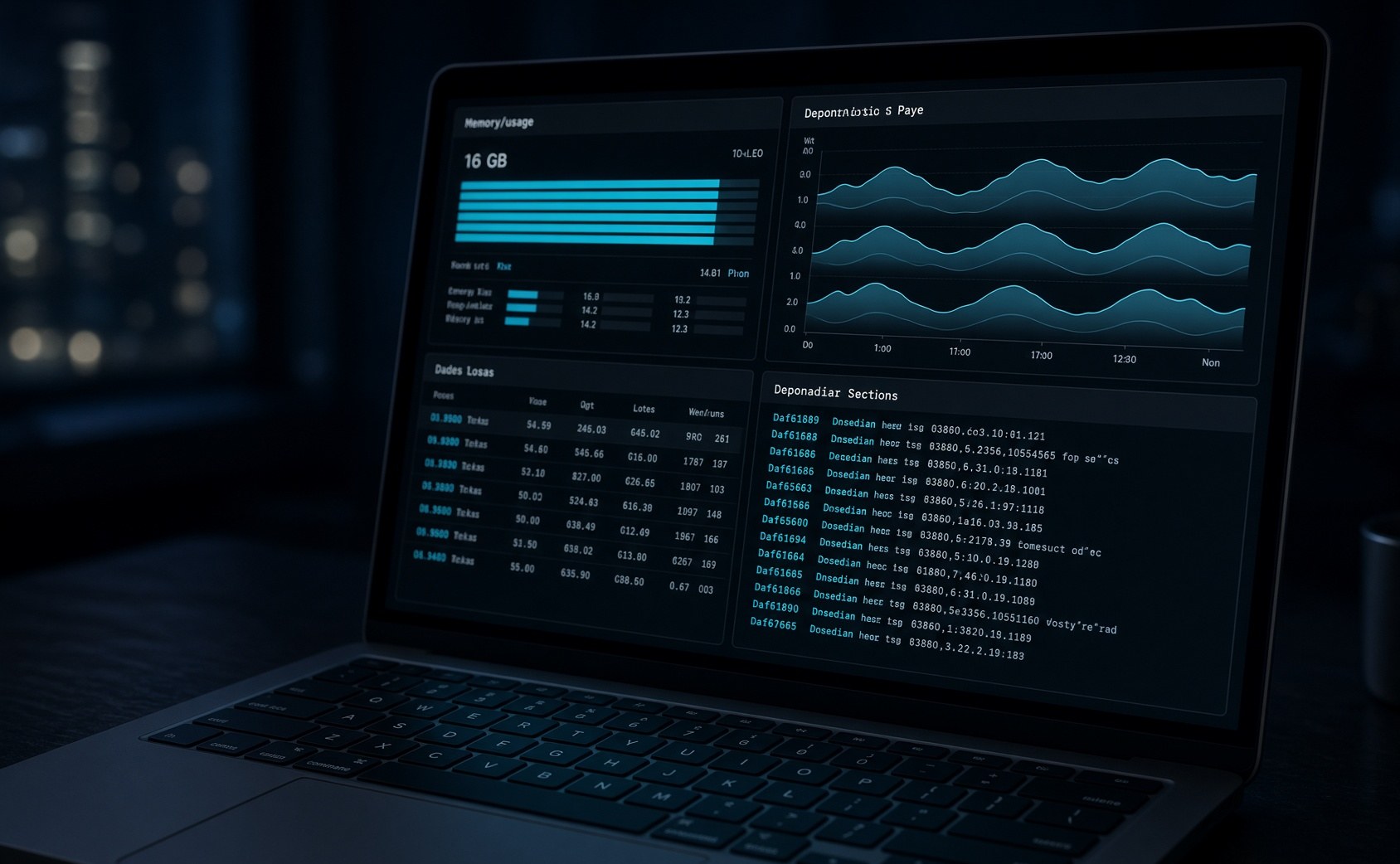
On Apple Silicon there is one pool. Weights with -ngl 99 live in wired memory. Idle and active look like different machines.

Idle: stack running, nobody talking
| Process | RAM | Notes |
|---|---|---|
| macOS + window server + kernel | ~4.5 GB | host · wired |
| Bonsai-27B weights | ~3.5 GB | host · wired GPU · slots idle |
| Compressed swap | ~3.7 GB | host · compressor |
| Whisper medium | ~1.7 GB | host · wired GPU |
| Brave + VS Code + opencode | ~1.5 GB | host · resident |
| Docker VM | 1.5 GB | 7 containers · capped |
| BGE-M3 embeddings | ~0.4 GB | host · wired GPU |
| Total used / 16 GB | 15.0 GB | 73 MB free · 8.3 GB swap |
Idle 16 GB budget
Named rows from the idle table. Rest 1.9 is the remainder of the stated 15.0 GB used. Compressor 3.7 GB is swap accounting, not a second stack.
Active: conversation or image pipeline
Generation fills the KV cache. Wired memory jumps by nearly 6 GB.
What is the KV cache?
A transformer predicts the next token from every previous token. Re-running the whole model each step would be impossibly slow. So it caches Keys and Values for tokens already seen. Weights are long-term memory. The KV cache is short-term memory for the active conversation. When the conversation ends, the cache goes away.
Bonsai-27B has 64 transformer layers. Hybrid attention means only 16 grow a full KV cache. The other 48 use linear attention with a fixed state. That is why a 262K-token context is even discussable on a laptop. A conventional 27B with 64 full-attention layers would need ~20 GB of KV alone at 32K context. More than the entire machine. Bonsai needs ~5 GB at full 32K per slot.
The server starts with -c 32768 -np 2: 32K total across two slots, 16K each. Deliberate. Full 32K per slot would put ~5 GB of KV on top of 3.5 GB weights, 1.7 GB Whisper, and 4.5 GB OS. Running at 16K per slot cuts KV to ~2.5 GB. Context depth traded for stability. On a personal archive, 16K is enough.
KV is started with -ctk q4_0 -ctv q4_0: 4-bit quantized cache. Without it, full-attention cache alone would be ~10 GB at 16K per slot. The card reports 0.0011 nats of output divergence from FP16 KV. Invisible in practice.
Idle: weights sit at ~3.5 GB, cache empty, fan quiet. You send a message. Prompt tokens fill the cache. That allocation is the spike. Response adds more. Conversation ends. OS reclaims. The system breathes.
That budget is why the reranker was removed. bge-reranker-v2-m3 worked. It added ~600 MB of resident GPU for a quality bump that did not justify the cost on a machine already swapping. On a 32 GB box it comes back. A config change, not a rewrite.
What runs on the desk now
The conversation works. Fan audible. Wired memory doubled. Browser and editor open. You ask. The model retrieves from the graph. The answer streams. No timeouts. Slow by cloud standards. Fast enough to use.
That took months. Memory limits per container. Two-phase pipelines. A separate worker. DRY and XTC tuned for 1-bit. A Whisper model that fits. A reranker removed because 600 MB mattered. Each decision was a failure that became a fix.
The live conversation surface right now also includes Open WebUI pointed at the same Bonsai server. Whisper in, Kokoro JS out. Open WebUI is temporary. Next swap is the Knowledge Graph UI already built. Same models. Canvas instead of bubbles. Published sites are demos. The product is the copy on your machine.
Offline is the proof. Memory you own, models you run.